Webhook
Last updated View as Markdown (opens in a new tab)
Send call details to your own system whenever a call passes a point in the call flow.
The Webhook object sends a request with the call details to your endpoint whenever an incoming call passes through it. The call carries on as normal. Use it to log calls in another system or trigger an automation.
For account-wide events, such as every answered call or every voicemail, use Integrations › Webhooks instead.
Before you start
Section titled “Before you start”This object needs the Integrations service: Services › PBX licences › Advanced features. Without it, webhooks won’t be sent.
Add it to your call flow
Section titled “Add it to your call flow”- Drag Webhook from the Advanced group onto the canvas and click the gear icon.
- Enter a Name, the endpoint URL, an optional Secret token and any HTTP headers.
- Click Save, connect it into the call flow, and click Apply configuration.
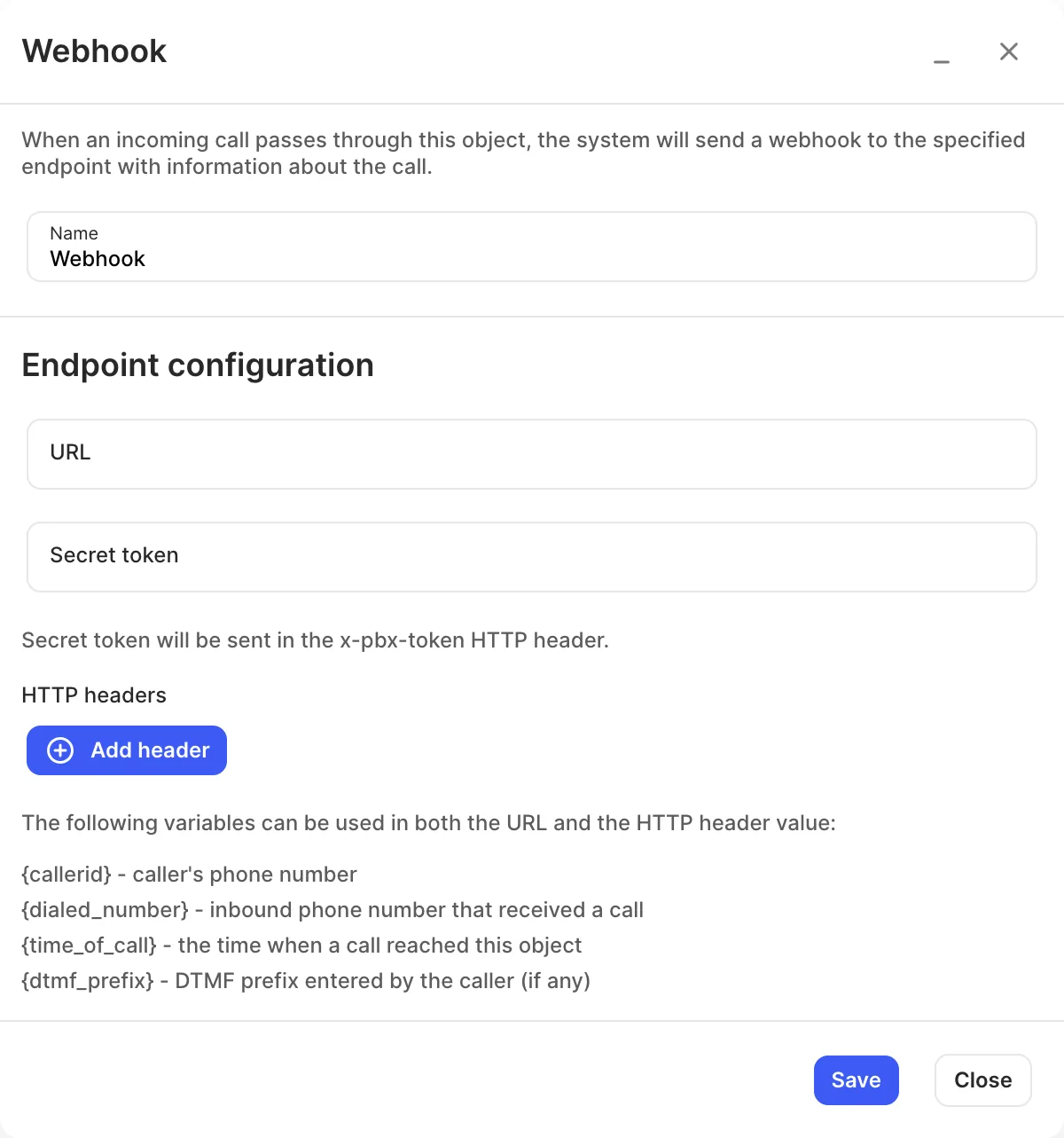
Settings
Section titled “Settings”| Setting | What it does |
|---|---|
| Name | Label on the canvas. |
| URL | Your endpoint. |
| Secret token | Sent in the x-pbx-token HTTP header so you can check the request came from your PBX. |
| HTTP headers | Extra headers to send. |
You can use these variables in the URL and header values:
| Variable | Value |
|---|---|
{callerid} |
The caller’s phone number. |
{dialed_number} |
Your inbound number that received the call. |
{time_of_call} |
When the call reached this object. |
{dtmf_prefix} |
Digits the caller entered in a DTMF prefix, if any. |