Music on hold
Last updated View as Markdown (opens in a new tab)
Choose and upload the music callers hear while on hold.
Music on hold collections are the music callers hear when they’re put on hold or parked. Open Settings › Music on hold on the PBX tab.
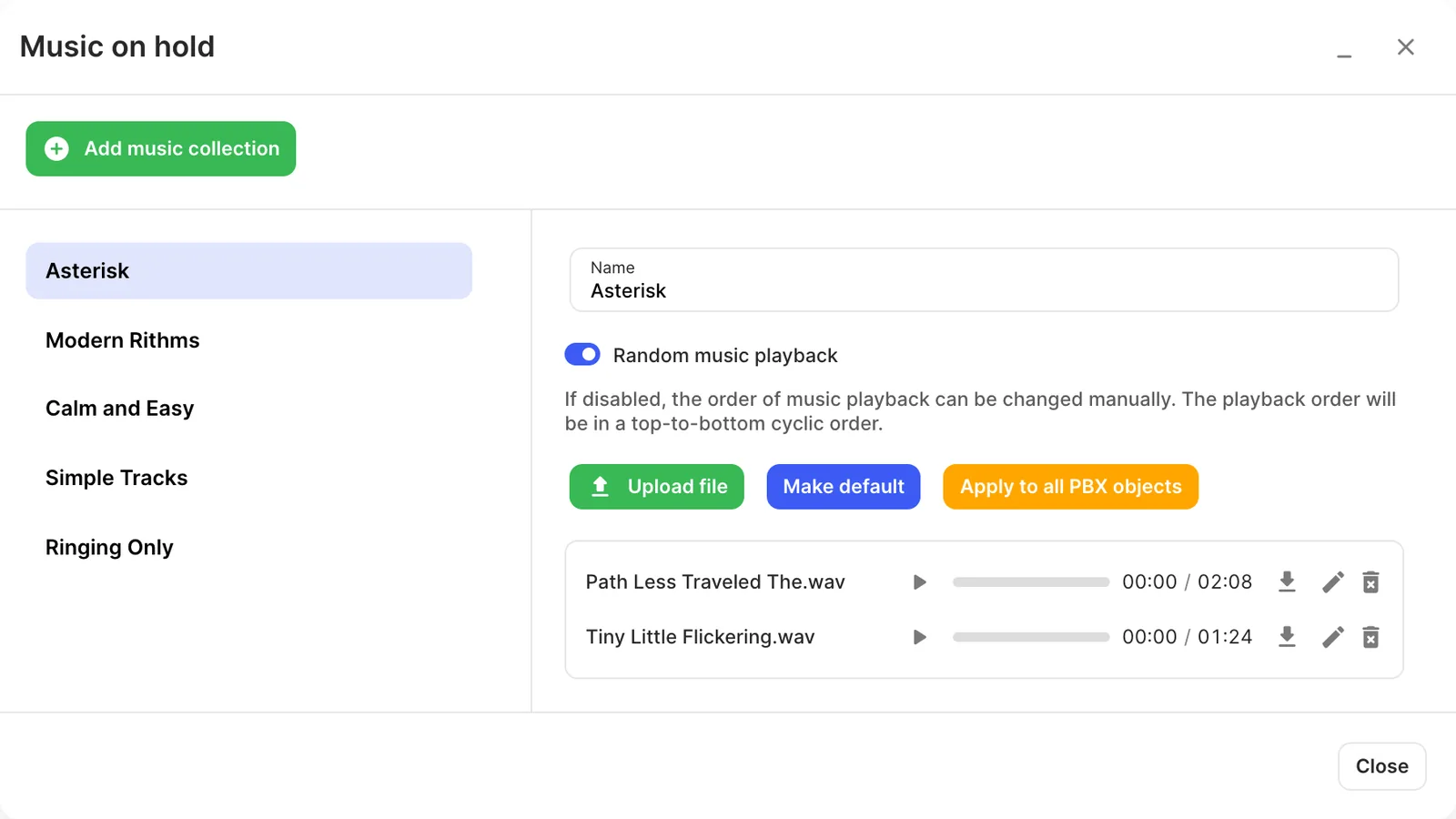
Your PBX may already have ready-made collections set up by your provider. You can use them or add your own.
Create a collection
Section titled “Create a collection”- Click Add music collection and enter a Name.
- Click Upload file to add your own tracks. Only .wav files are supported.
- Turn Random music playback on or off. When it’s off, tracks play from top to bottom in a loop, and you can reorder them.
- Click Make default to use it for new objects, or Apply to all PBX objects to use it everywhere now.
You can also choose a collection for an individual User, Queue, Call parking or Conference.