Feature requests
Last updated View as Markdown (opens in a new tab)
Suggest a new feature or an improvement to the portal, PBX or apps.
If something you need isn’t available in the portal, PBX or Webphone, suggest it from the portal. The management team reviews every suggestion.
Suggest a feature
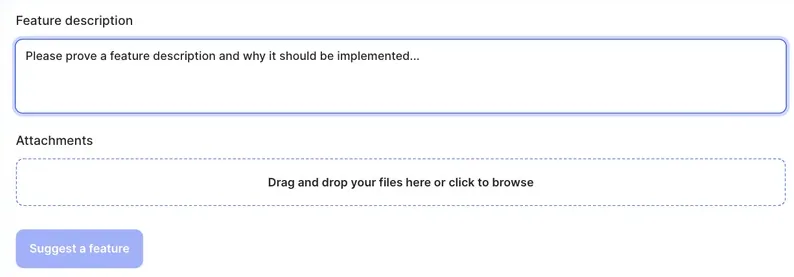
Section titled “Suggest a feature”- Go to Support › Feature suggestion.
- Under Feature description, describe the feature and why it should be built. Explain the business value or how you’d use it.
- Under Attachments, drag in any files that help explain it, such as a sketch or screenshot, or click to browse.
- Click Suggest a feature.
What happens next
Section titled “What happens next”The management team reviews each suggestion. Submitting one doesn’t guarantee it will be built. Accepted suggestions are planned by priority and how well they fit the product roadmap, with no fixed timeframe.
New features are announced in the release notes.
- One feature per suggestion makes it easier to review.
- Describe the problem you want solved, not only the solution. There may be a way to do it already: search this knowledge base or ask in a support ticket.
- To report something that’s broken, create a support ticket instead.