DTMF prefix
Last updated View as Markdown (opens in a new tab)
Ask callers to key in a number, such as an account number, and show it to the user who answers.
DTMF prefix plays a greeting asking callers to enter digits, such as their account number, followed by #. The digits are added in front of the caller ID, so the user who answers sees them straight away.
The digits are also available as {dtmf_prefix} in API request and Webhook objects.
Add it to your call flow
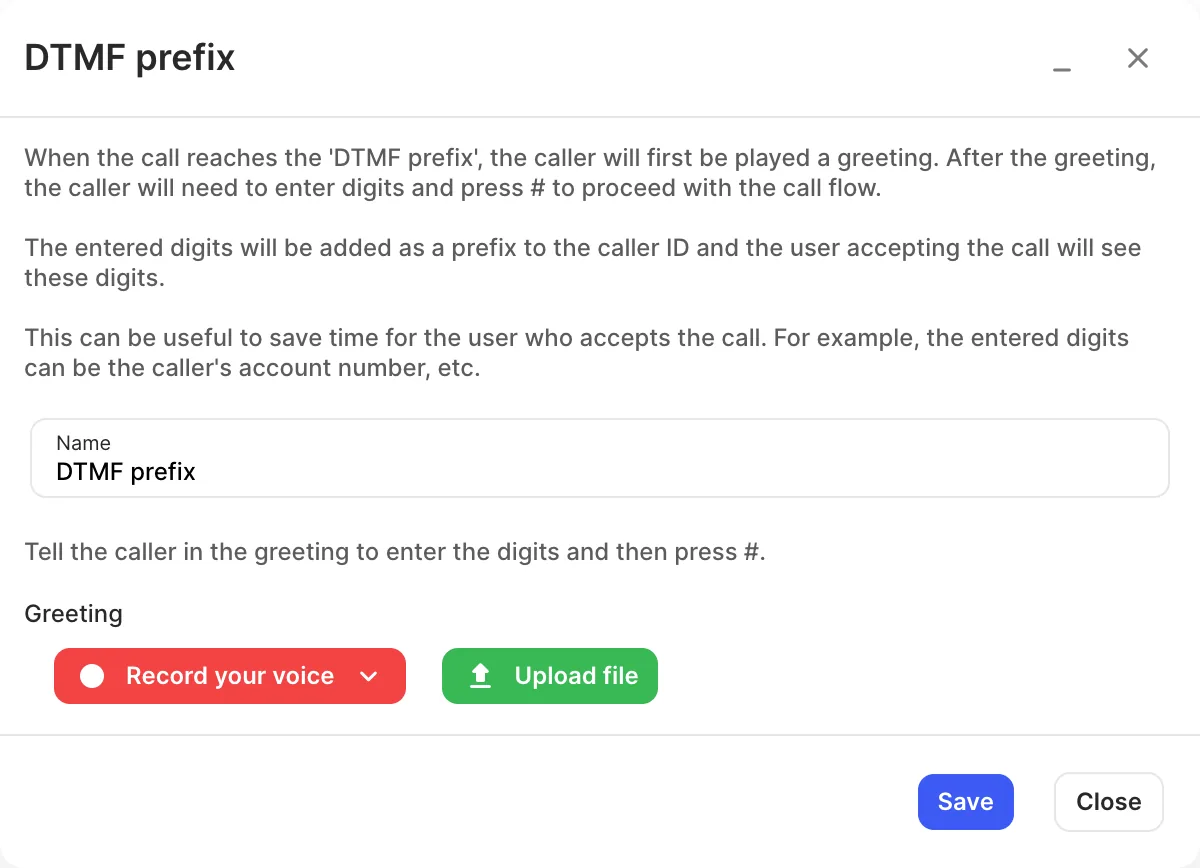
Section titled “Add it to your call flow”- Drag DTMF prefix from the Identifiers group onto the canvas and click the gear icon.
- Enter a Name.
- Add a Greeting with Record your voice (in the browser or over a phone call) or Upload file. Tell callers to enter the digits and then press #.
- Click Save, connect it before your users, and click Apply configuration.
Settings
Section titled “Settings”| Setting | What it does |
|---|---|
| Name | Label on the canvas. |
| Greeting | The message asking for the digits. |