Network status
Check whether there's a known issue with phone, Microsoft Teams or internet services before you troubleshoot.
Network status shows whether there are known issues with your provider’s services. Check it first when calls, Teams calling or internet stop working, before you change any settings.
Go to Support › Network status.
What it shows
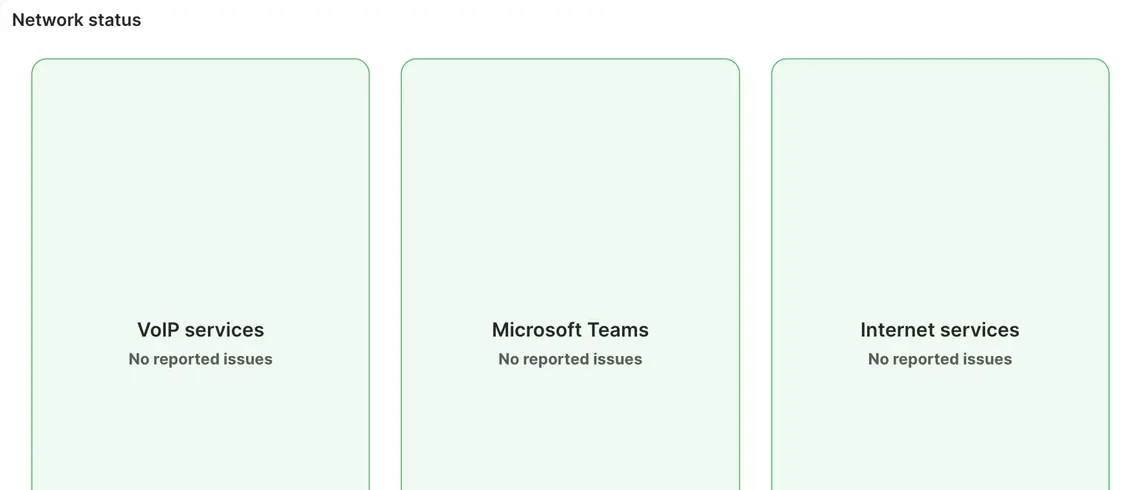
Section titled “What it shows”The page has a card for each group of services:
- VoIP services: phone calls and phone numbers.
- Microsoft Teams: calling through Microsoft Teams.
- Internet services: internet connections from your provider. This card isn’t shown for every provider.
A green card with No reported issues means the service is working normally. When there’s a known issue, the card turns red and shows a message about it.
If there’s a known issue
Section titled “If there’s a known issue”You don’t need to create a ticket for it. The team is already working on it. Check the page again for updates.
If there’s no reported issue
Section titled “If there’s no reported issue”The problem is probably on your side or in your configuration. Try these:
If you still need help, create a support ticket.