Export, import and roll back a call flow
Last updated View as Markdown (opens in a new tab)
Back up your call flow, copy it to another account, or discard changes you haven't applied.
Open Settings › Call flow on the PBX tab to back up or restore your call flow.
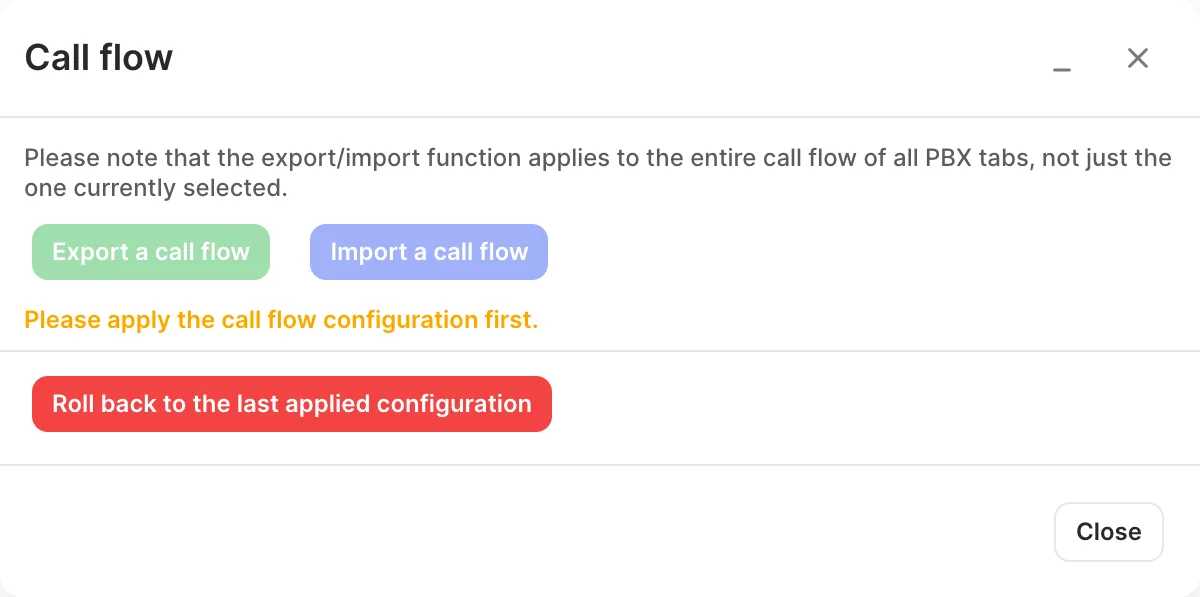
| Option | What it does |
|---|---|
| Export a call flow | Downloads your whole call flow, across all tabs, as a .zip file. Apply your changes first: export isn’t available while there are unapplied changes. |
| Import a call flow | Replaces your call flow with one from an exported file. Apply your current call flow first. After the import, click Apply configuration. |
| Roll back to the last applied configuration | Discards every change since you last clicked Apply configuration. |