Set caller ID
Last updated View as Markdown (opens in a new tab)
Replace the caller's number with one of your own numbers before the call reaches the recipient.
Set caller ID replaces the caller’s number with one of your own numbers, so the person receiving the call sees your number instead. This is useful when calls are diverted to mobiles and you want staff to recognise them as business calls.
Add it to your call flow
Section titled “Add it to your call flow”- Drag Set caller ID from the Different group onto the canvas and click the gear icon.
- Enter a Name and choose the Phone number to show.
- Click Save, connect it before the destination, such as a Call diversion, and click Apply configuration.
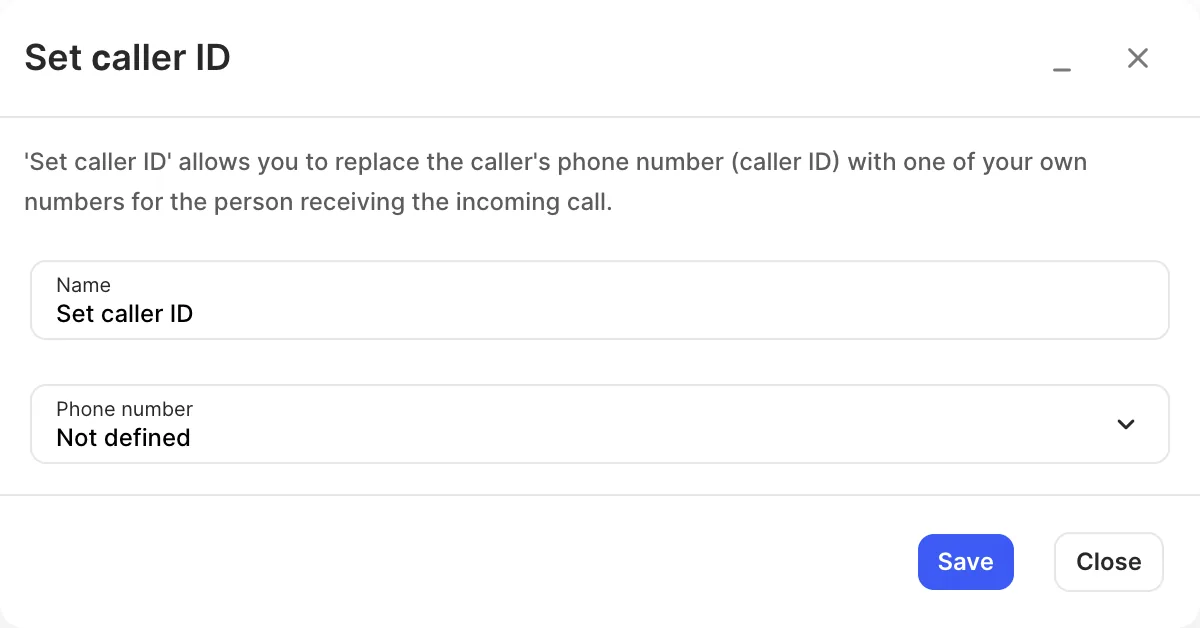
Settings
Section titled “Settings”| Setting | What it does |
|---|---|
| Name | Label on the canvas. |
| Phone number | The number shown to the person receiving the call. |