Pickup groups
Last updated View as Markdown (opens in a new tab)
Answer a colleague's ringing phone from your own.
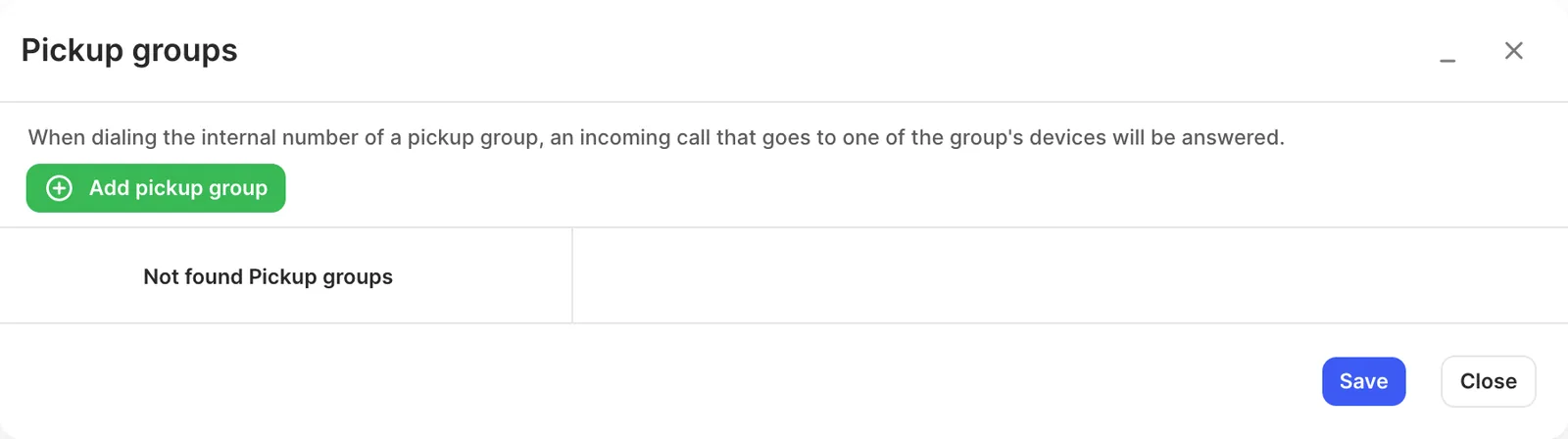
A pickup group lets users answer a call ringing on another phone in the group. Dial the group’s internal number to pick up the ringing call. To pick up with one press, put that number on a speed-dial key: see DSS keys, BLF and speed dial.
Open Settings › Pickup groups on the PBX tab and click Add pickup group. Then, for the new group:
- Set its Name and Internal number.
- Click Add devices, choose the devices whose calls can be picked up under Select devices, and click Add. Only devices that are already added to a user are listed.
- Click Apply configuration.