Stop call recording
Last updated View as Markdown (opens in a new tab)
Stop any recording started earlier in the call flow, for example before taking card details.
Stop call recording stops any recording that was started earlier in the call flow, even if the call was transferred before reaching it. For example, route callers through it before a payments team so card details aren’t recorded.
Add it to your call flow
Section titled “Add it to your call flow”- Drag Stop call recording from the Audio group onto the canvas and click the gear icon.
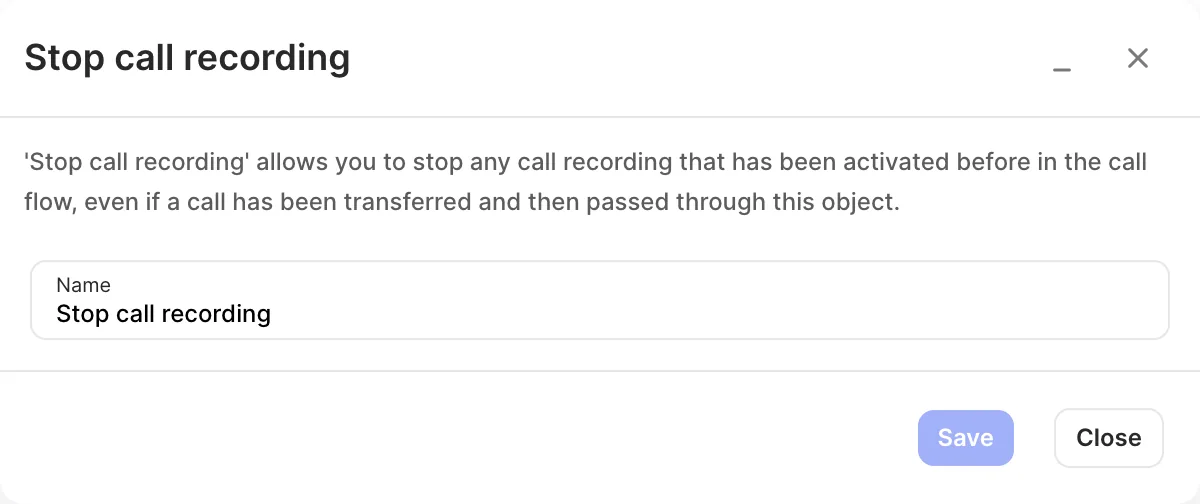
- Enter a Name and click Save.
- Connect it into the call flow after the point where recording should stop, and click Apply configuration.
Settings
Section titled “Settings”| Setting | What it does |
|---|---|
| Name | Label on the canvas. |