Blocklist
Last updated View as Markdown (opens in a new tab)
Reject calls from specific or anonymous numbers in one part of your call flow.
Blocklist rejects calls from numbers you list. A blocked caller hears a busy tone and the call ends. Other calls pass through to the next object.
This blocklist only applies where you place it in the call flow. To block numbers for your whole PBX, use the Global blocklist.
Add it to your call flow
Section titled “Add it to your call flow”- Drag Blocklist from the Protection group onto the canvas and click the gear icon.
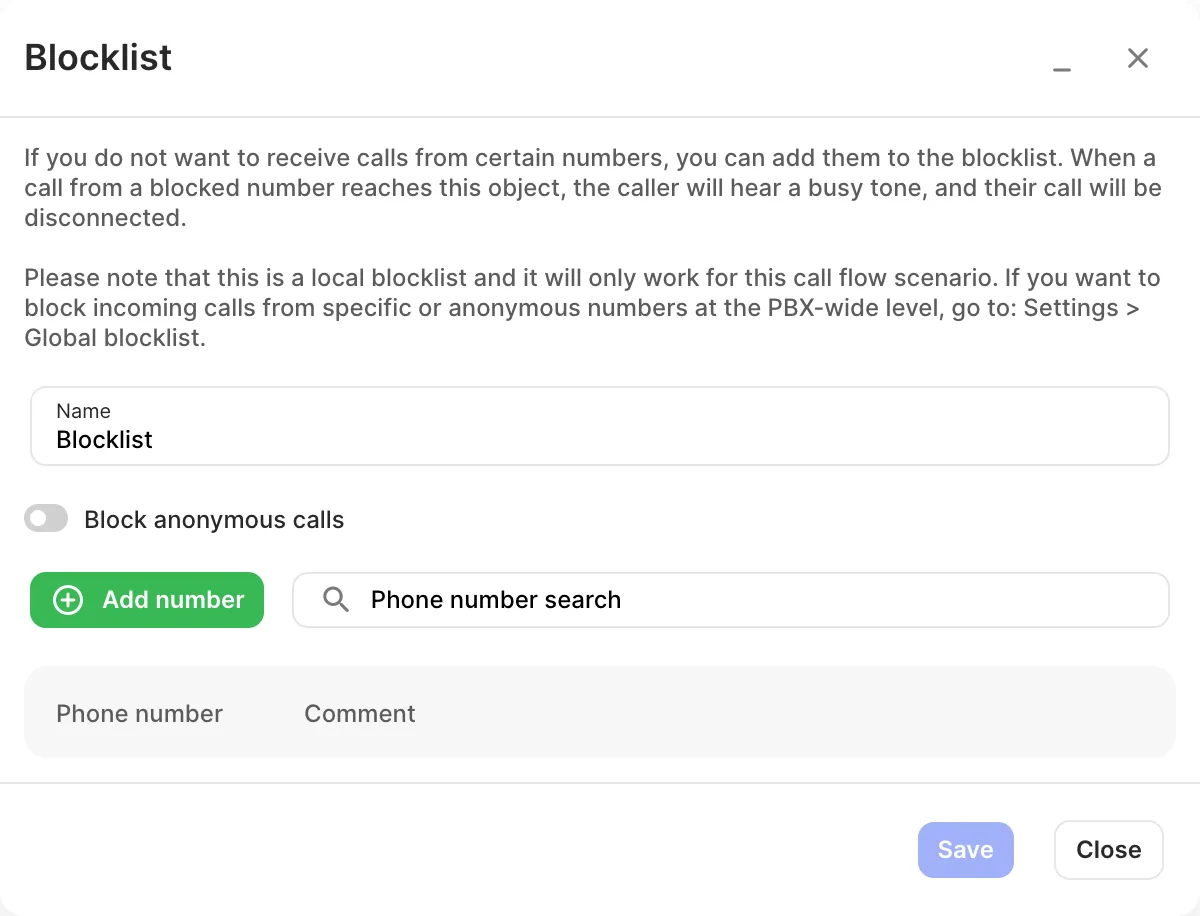
- Enter a Name.
- Click Add number for each number to block, with an optional Comment. To block consecutive numbers, click Block a phone number range in the same window and enter the Start of range and End of range in international format with the country code, for example 61399998800 to 61399998810. You can block up to 100 numbers at a time.
- Turn on Block anonymous calls if needed.
- Click Save, connect it right after the Inbound number, and click Apply configuration.
Settings
Section titled “Settings”| Setting | What it does |
|---|---|
| Name | Label on the canvas. |
| Block anonymous calls | Rejects calls with a hidden number. |
| Phone number / Comment | The numbers to block, and a note for each. |
Related
Section titled “Related”- Global blocklist
- GEO routing — route anonymous calls elsewhere instead of blocking them