Queue priority
Last updated View as Markdown (opens in a new tab)
Give some callers a higher priority so they're answered first in a queue.
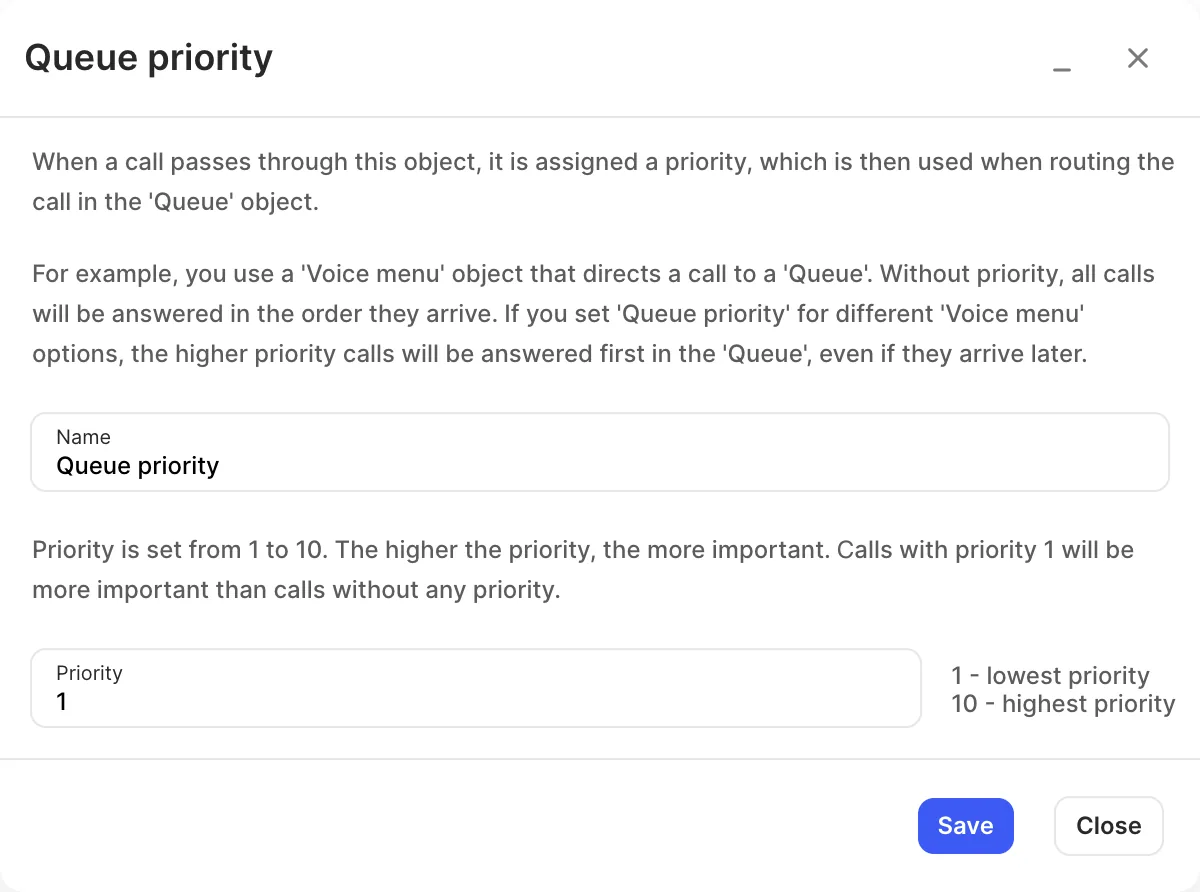
Queue priority marks calls that pass through it with a priority from 1 to 10. When those calls reach a Queue, higher-priority calls are answered first, even if they arrived later.
For example, a Voice menu option for existing customers can go through Queue priority set to 10, so those callers are answered before new enquiries in the same queue.
Add it to your call flow
Section titled “Add it to your call flow”- Drag Queue priority from the Handling mass incoming calls group onto the canvas and click the gear icon.
- Enter a Name and set the Priority.
- Click Save.
- Connect it between the object the call comes from and the Queue.
- Click Apply configuration.
Settings
Section titled “Settings”| Setting | What it does |
|---|---|
| Name | Label on the canvas. |
| Priority | 1 (lowest) to 10 (highest). Calls with priority 1 still go ahead of calls with no priority. |