Internal number
Last updated View as Markdown (opens in a new tab)
Give any point in your call flow a short number that PBX users can dial or transfer calls to.
Internal number gives a part of your call flow a short number that can only be dialled from inside your PBX. It’s useful when users need to transfer a caller to a menu, a queue or an after-hours message.
Calls to internal numbers between PBX users are free.
Add it to your call flow
Section titled “Add it to your call flow”- Drag Internal number from the Receive calls group onto the canvas.
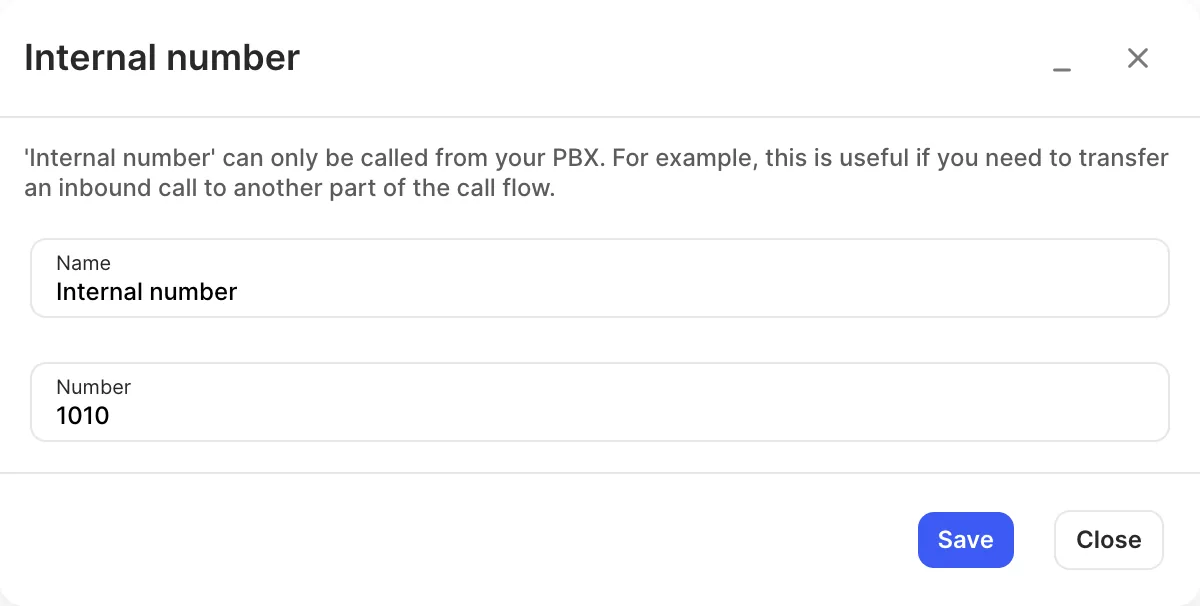
- Click the gear icon. Enter a Name and a Number that isn’t used anywhere else in your PBX.
- Click Save.
- Connect the object to the object calls should reach, for example a Voice menu.
- Click Apply configuration.
Settings
Section titled “Settings”| Setting | What it does |
|---|---|
| Name | Label on the canvas. |
| Number | The internal number users dial or transfer calls to. It must not be used by another object. |
- Many objects, such as User, Queue and Voicemail, have their own internal number. Use a separate Internal number object when you want to reach a point in the call flow that doesn’t have one.
- In a Voice menu you can let callers dial internal numbers directly with Allow calling to internal numbers.