Global blocklist
Last updated View as Markdown (opens in a new tab)
Block calls and SMS from specific or anonymous numbers across your whole PBX.
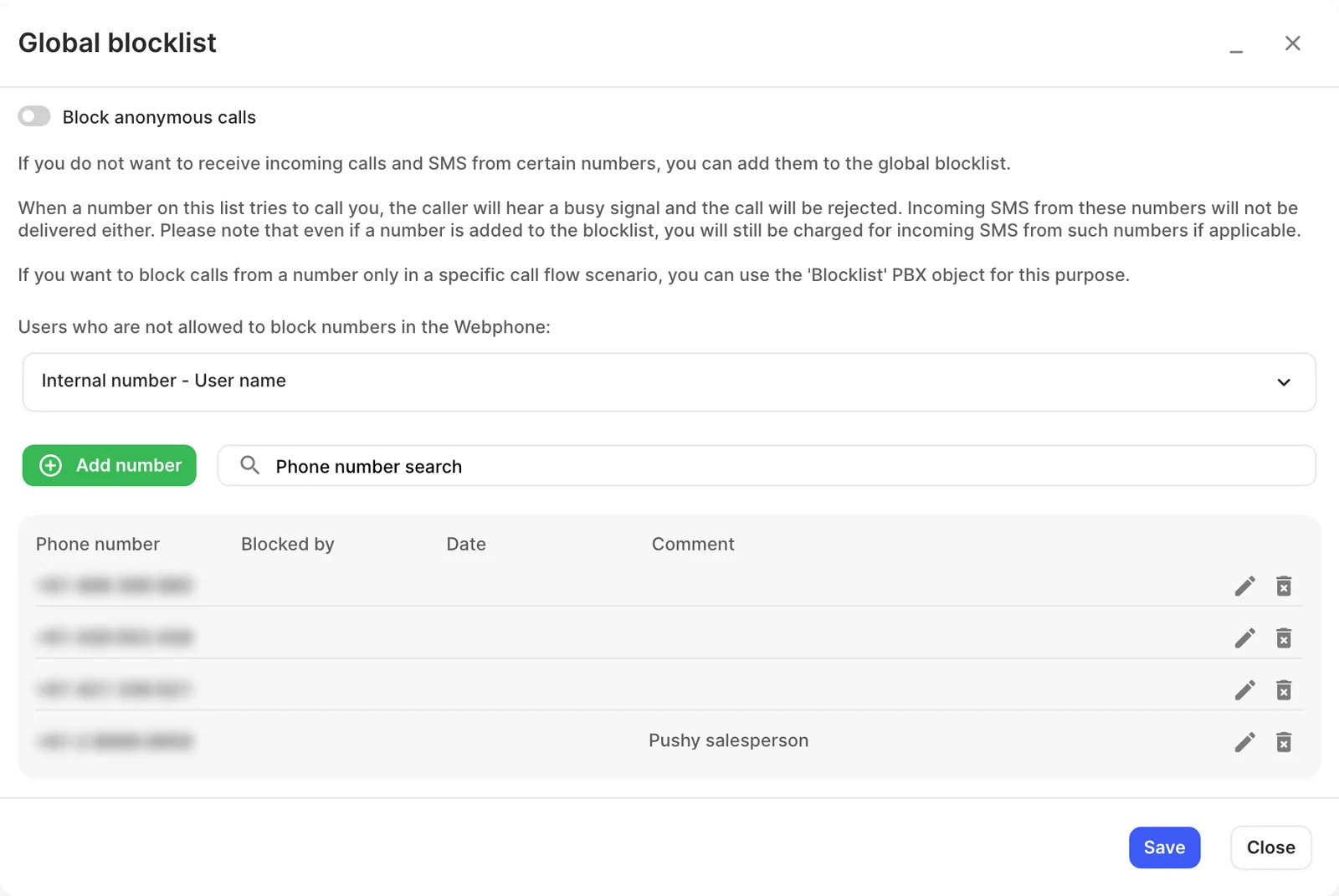
The Global blocklist rejects calls and SMS from numbers you list, everywhere in your PBX. Blocked callers hear a busy signal and SMS from them aren’t delivered. Open Settings › Global blocklist on the PBX tab.
Settings
Section titled “Settings”| Setting | What it does |
|---|---|
| Block anonymous calls | Rejects all calls with a hidden number. |
| Users who are not allowed to block numbers in the Webphone | Choose users (by Internal number - User name) who can’t add numbers to the blocklist from the Webphone. |
| Add number | Adds a number, with an optional Comment. To block consecutive numbers, click Block a phone number range in the same window (up to 100 numbers at a time). The list shows who blocked each number and when. |
To block numbers only in one part of your call flow, use the Blocklist object instead.